Download Guide
You can also download Joget from our website. This guide will walk you through the process of downloading, installing and starting to use Joget step-by-step.
Below you will find all steps to install and initialize Joget, and a video with this same walkthrough.
Step 1 - Download Joget installer
- Access our Download page.
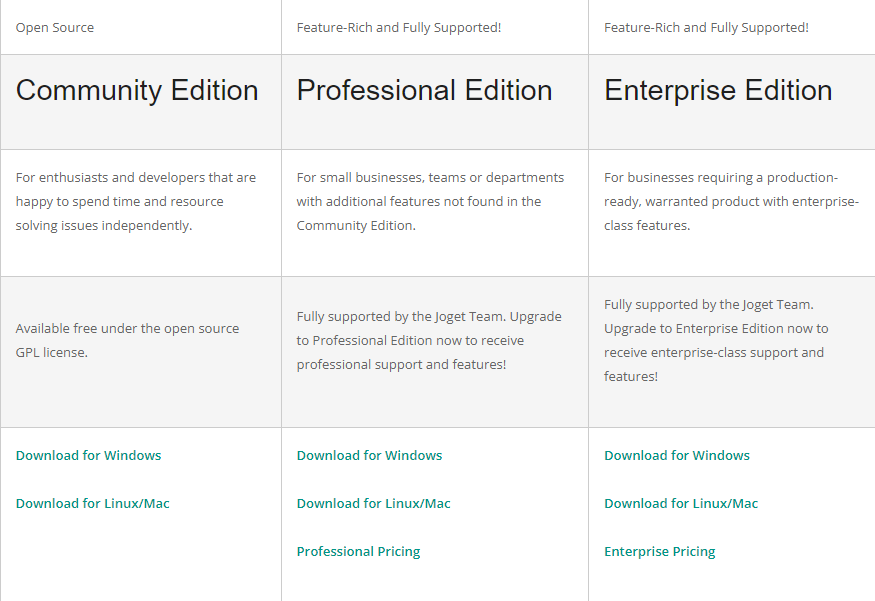
- Choose an Edition. Here you can learn more about each option.
- Select the download that fits your operating system.
- Download it.
Step 2 - Installing
- Execute the dowloaded file from Step 1.
- You will be presented with our installation setup.
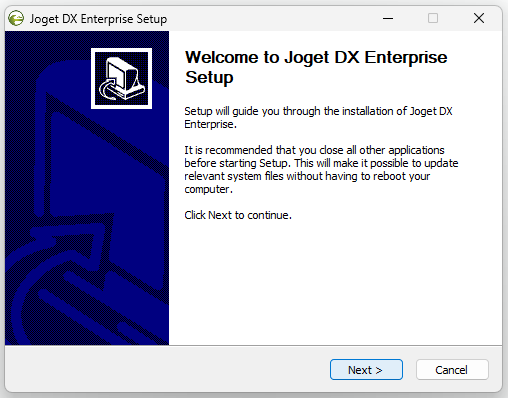
- Click Next.
- Read and agree to our License Agreement.
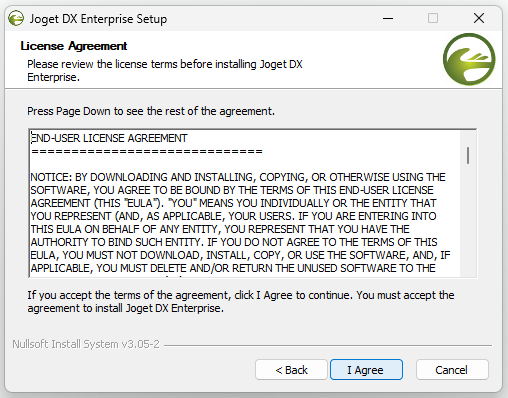
- Choose which components you desire to install. We fully recommend installing all selected components.
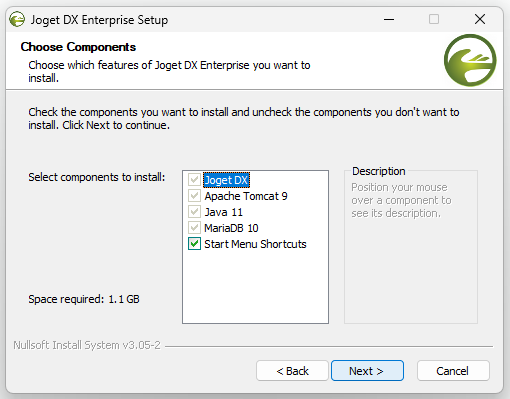
- Click Next.
- Select your Destination Folder.
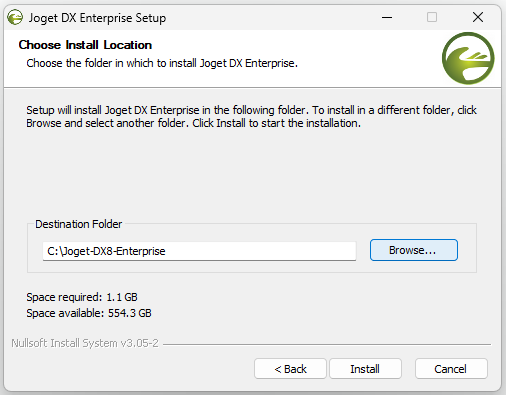
- Click Install.
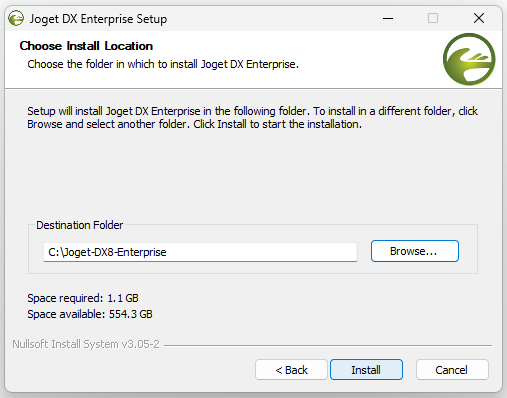
- Click Finish.
Step 3 - First starting Joget
- Open the Destination Folder you selected at Step 2.7.
- Find the Start Joget Server shortcut, and double click it.
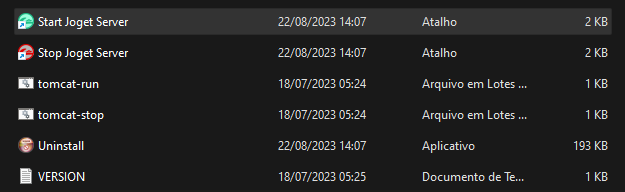
Here our program will open two instances of your systems terminal, one for MariaDB and the second to run Joget.
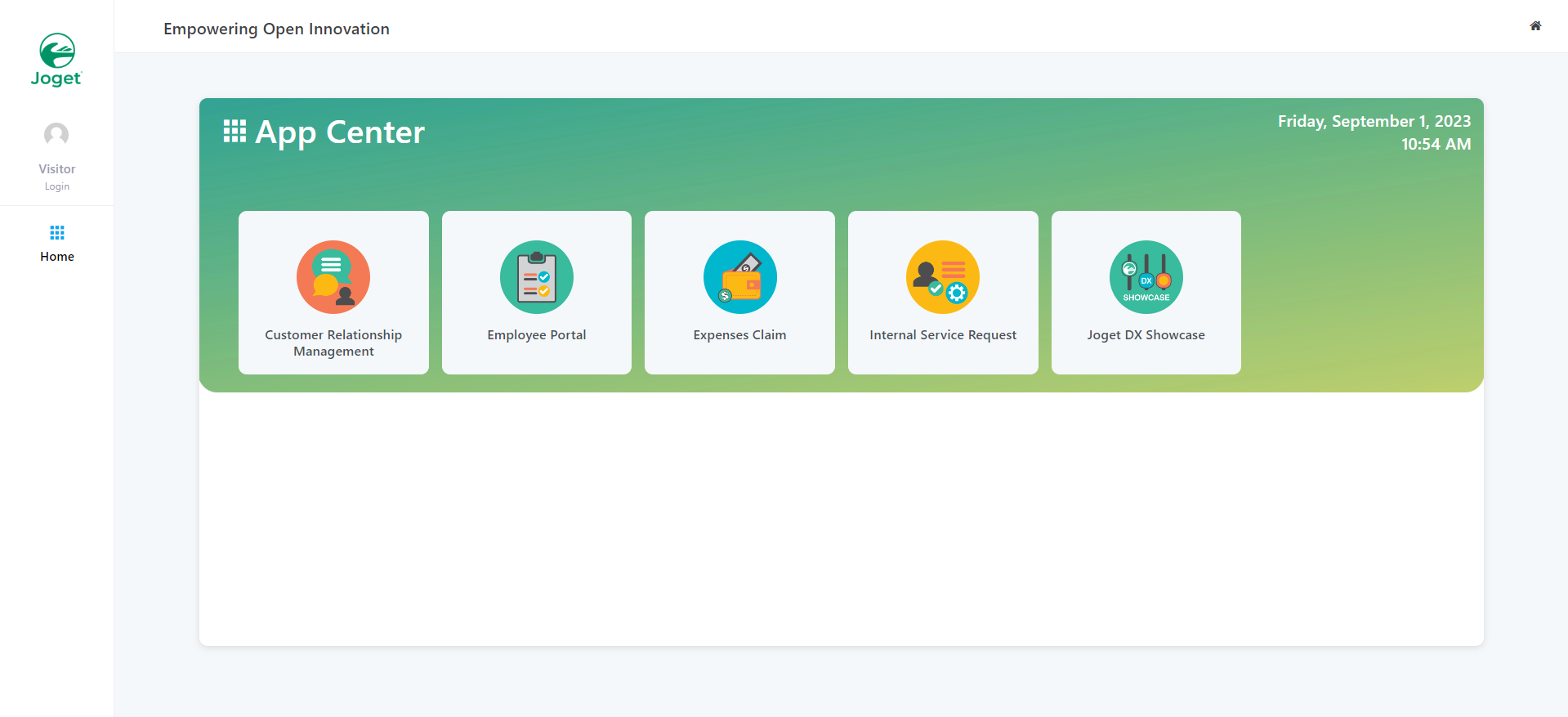
- The Application's homepage will be accessible when the terminal running Joget shows a message that the server has started. When this happens, you can access localhost:8080/jw to open the App Center.
Step 4 - Create an App
- After installing our application, you can proceed to the Pratform Overview to learn about the main existing elements available on the Joget applications.